Finding the area of a triangle is one of the most common geometry tasks. The simplest and most widely used method is based on the base and height of the triangle. This calculator uses exactly that approach: you enter the base length and height, and it instantly returns the triangle’s area.
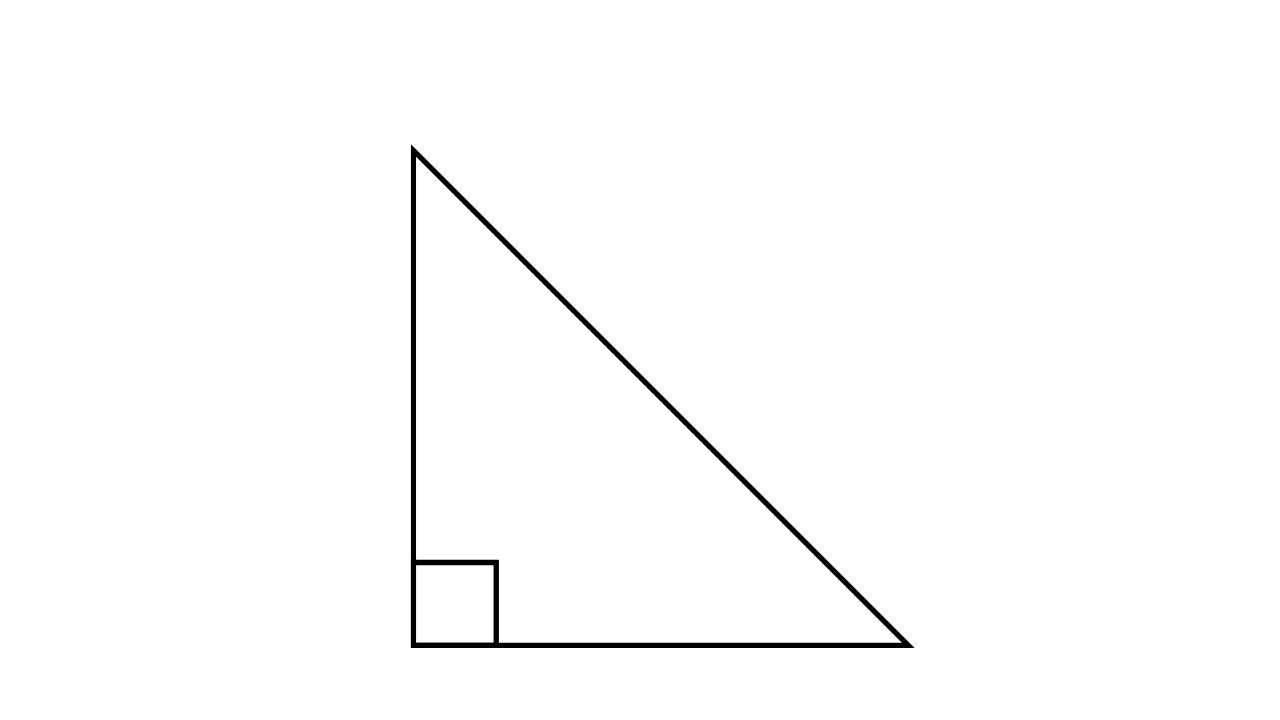
1. Triangle Area Formula (Base and Height)
The area of any triangle using base and height is:
Area=21×b×h
Where:
- b = base length
- h = perpendicular height
This formula works for all triangle types — scalene, isosceles, or equilateral — as long as you know a base side and the perpendicular height drawn to that base.
Worked Example
Let’s calculate the area using:
- Base b=10b = 10
- b=10 units
- Height h=6h = 6
- h=6 units
Step 1 — Apply the Formula
Area=21×10×6
Step 2 — Multiply
Area=21×60=30
Final Answer
Area=30 square units
2. Area of Triangle Using Three Sides (SSS Method)
This method is used when you know all three sides of a triangle:
We use Heron’s Formula.
Heron’s Formula for Area
Step 1 — Compute the Semi-Perimeter
s=2a+b+c
Step 2 — Calculate Area
Area=s(s−a)(s−b)(s−c)
Worked Example (SSS Method)
Let’s say the triangle has:
Step 1 — Find the Semi-Perimeter
s=27+8+5=10
Step 2 — Apply Heron’s Formula
Area=10(10−7)(10−8)(10−5)
Step 3 — Final Answer
Area=300≈17.32
3. Area of Triangle Using Two Sides and the Included Angle (SAS Method)
When you know two sides of a triangle and the angle between them, you can calculate the area using the SAS formula.
This method is extremely useful when:
- No height is given
- No perpendicular measurement is available
- Only two side lengths and the included angle are known
Example situations include surveying, navigation, and trigonometric constructions.
Formula
If you know:
- Side a
- Side b
- Included angle C
Then the area is:
Area=21absin(C)
Worked Example
Suppose we know:
- a = 9
- b = 12
- C = 40∘
Step 1 — Apply the Formula
Area=21×9×12×sin(40∘)
Step 2 — Multiply Numbers
Area=54×sin(40∘)
Step 3 — Final Answer
Area=54×0.6428=34.71
Area of Triangle Using Two Angles and the Included Side (ASA Method)
When you know two angles of a triangle and the side between them, you can calculate the area using trigonometry.
This situation happens in navigation, surveying, geometry problems, and construction layout.
ASA works because if you know:
- Angle A
- Angle B
- Side c between them
…then the entire triangle can be solved using the Law of Sines.
Once the remaining sides are known, the standard triangle area formula can be applied.
ASA Area Formula
Step 1 — Find the third angle
C=180∘−(A+B)
Step 2 — Use Law of Sines to find the other sides
a=sin(C)csin(A)
b=sin(C)csin(B)
Step 3 — Use the SAS Area Formula
Now that you know sides a and b, and angle C between them:
Area=21absin(C)
Worked Example (ASA)
Given:
- Angle A=50∘
- Angle B=60∘
- Side c=12 (between angles A and B)
Step 1 — Find Angle C
C=180∘−(50∘+60∘)=70∘
Step 2 — Use Law of Sines
Find side a:
a=sin(70∘)12sin(50∘)=9.79
Find side b:
b=sin(70∘)12sin(60∘)=11.06
Step 3 — Area Using SAS
Area=21(9.79)(11.06)sin(70∘)=50.92
FAQs About Area of a Triangle
1. Which formula should I use to find the area of a triangle?
It depends on what information you have:
- Base + Height → use 21bh
- Three sides (SSS) → use Heron’s Formula
- Two sides + included angle (SAS) → use 21absin(C)
- Two angles + included side (ASA) → find the other sides using Law of Sines, then apply SAS
Your calculator automatically chooses the correct method based on the inputs you provide.
2. What is the easiest way to calculate the area?
The easiest formula is:
Area=21bh
But this only works if you know the height (perpendicular to the base).
If height is unknown, SAS or SSS are usually more practical.
3. When should I use Heron’s Formula?
Use Heron’s Formula when you only know the three sides of a triangle (SSS), and no angle or height is given.
It works for all triangle shapes, even very irregular ones.
4. Can the area be calculated using only angles?
No — you cannot find the area using only angles.
You must know at least one side length (plus another angle or side) to convert that angle information into actual dimensions.
5. What if my triangle sides don’t satisfy the triangle inequality?
For any valid triangle:
a+b>c,b+c>a,a+c>b
If your inputs violate this rule, the triangle does not exist, and the calculator should display an error.
This happens often with SSS input mistakes.
Check out 1 Similar Calculators: