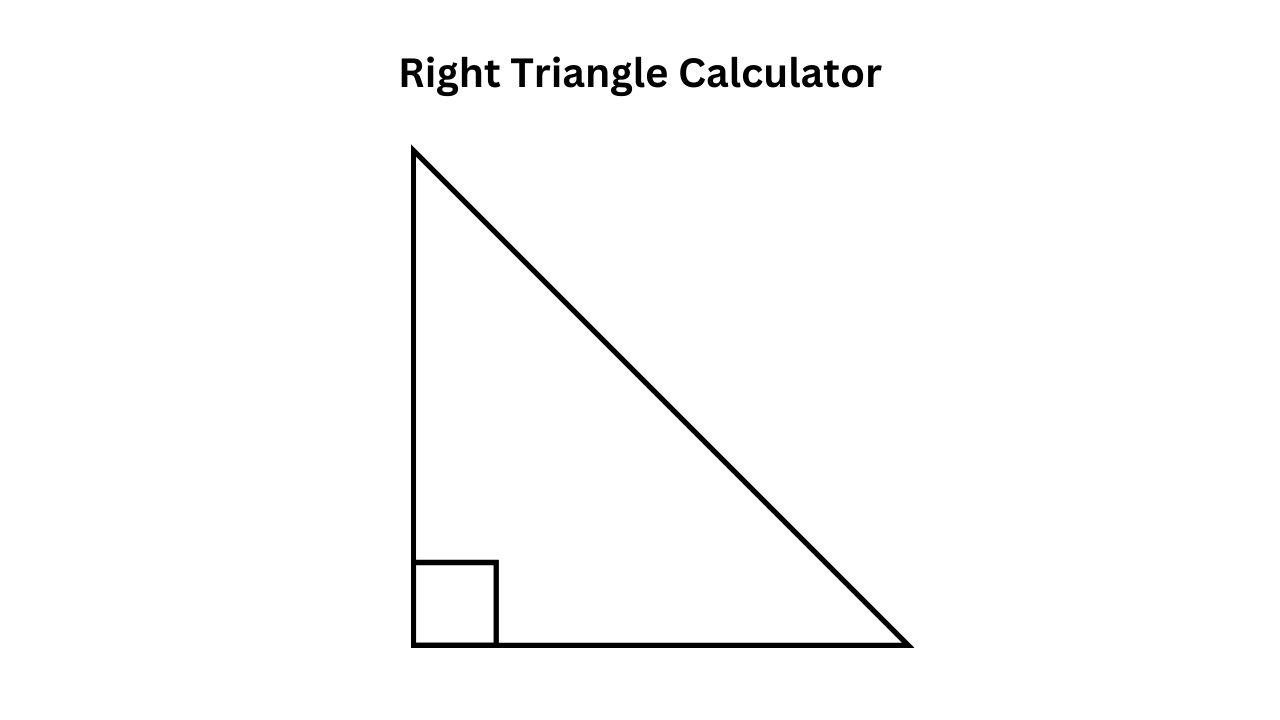
A right triangle is a triangle that has one angle equal to 90°. If you know the lengths of the two legs, you can calculate the entire triangle. This Right Triangle Calculator uses just two inputs:
- Leg a (adjacent to angle A)
- Leg b (opposite to angle A)
From these two sides, the calculator automatically finds:
This guide explains all formulas, and includes a complete example at the end.
Formulas Used in the Calculator
1. Hypotenuse (Pythagorean Theorem)
c=a2+b2
2. Angle A
Angle A is opposite leg b and adjacent to leg a:
A=tan−1(ab)
3. Angle B
Since Angle C = 90°:
B=90∘−A
Worked Example
Let’s compute a right triangle using:
Step 1 — Hypotenuse
c=52+122=13
Step 2 — Angle A
A=tan−1(12/5)=67.38∘
Step 3 — Angle B
B=90∘−67.38∘=22.62∘
FAQs
1. What inputs do I need for this Right Triangle Calculator?
You only need two values:
- Leg a (adjacent to angle A)
- Leg b (opposite to angle A)
- These two sides are enough to calculate the hypotenuse and both acute angles.
2. How does the calculator find the hypotenuse?
It uses the Pythagorean theorem, which states:
c=a2+b2
This works for every right triangle because the hypotenuse is always opposite the 90° angle.
3. Why is Angle C not shown in the results?
Angle C is always 90° in a right triangle, so it does not need to be calculated or displayed.
Only the other two angles (A and B) are variable.
4. Can I enter angles instead of sides?
No — this calculator is intentionally simplified and accepts only two side lengths (a and b) for easy and fast results.
If you want an “any two inputs” version, it can also be created.
5. What if one of the legs is longer than the hypotenuse?
In a right triangle:
c>aandc>b
If a user enters values that violate this rule, the calculator should show a warning because the triangle would not be valid.
Check out 1 Similar Calculators: