A Plant Calculator helps you estimate how many plants can fit in a garden bed, field, or landscape area. Enter the plot length, plot width, plant spacing, border allowance, and planting pattern to plan a layout that gives plants adequate growing space.
The calculator supports rectangular and triangular planting patterns. It helps reduce overcrowding, improve garden planning, and estimate the number of plants needed before planting.
What Is a Plant Calculator?
A Plant Calculator estimates the number of plants that fit in a defined area after allowing for borders and plant spacing.
It considers:
- Garden plot length
- Garden plot width
- Border or edge allowance
- Plant spacing
- Planting pattern
The result is an estimate. Final plant quantity can vary based on the plant type, mature size, pathways, irrigation, edging, and the exact placement of plants along the border.
How to Use the Plant Calculator
Enter the following values:
- Garden plot length
- Garden plot width
- Border allowance
- Plant spacing
- Planting pattern
Use the same unit for all measurements, such as feet, metres, inches, or centimetres.
Choose either:
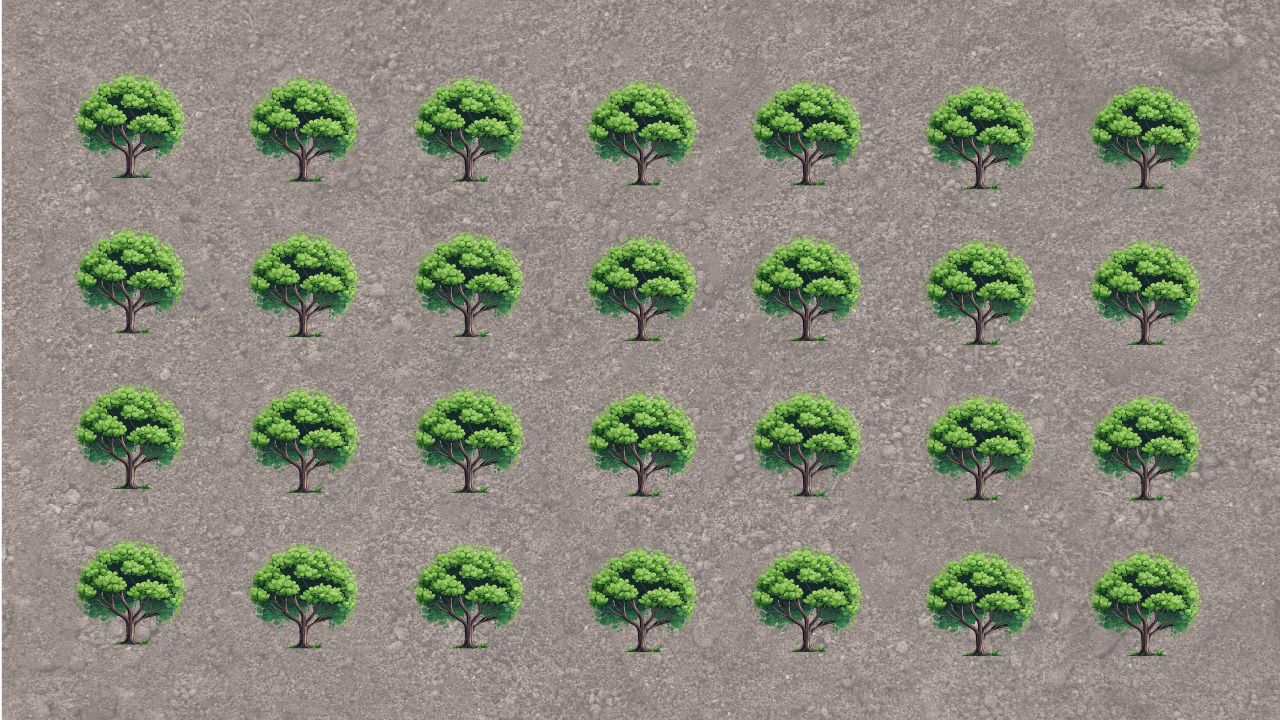
- Rectangular pattern: Plants are arranged in straight rows and columns.
- Triangular pattern: Plants are arranged in staggered rows, allowing a denser layout.
Calculate Usable Garden Length and Width
The border is the empty space left around the outside of the planting area. Subtract the border twice because it applies to both sides of the plot.
Usable Length=Garden Length−2×Border
Usable Width=Garden Width−2×Border
Rectangular Planting Pattern
A rectangular pattern places plants in evenly spaced rows and columns. It is simple to measure, plant, water, and maintain.
Calculate the Number of Plants
Divide the usable planting area by the area needed for one plant.
Estimated Plants=Plant Spacing2Usable Length×Usable Width
Round the result according to your preferred layout and leave room for pathways, edging, and plant growth.
Triangular Planting Pattern
A triangular planting pattern uses staggered rows. Each plant sits between two plants in the next row, which can make more efficient use of the available area.
Calculate Vertical Row Spacing
The vertical distance between rows is smaller than the plant spacing.
Vertical Row Spacing=Plant Spacing×0.866
The factor 0.866 is approximately equal to the square root of 3 divided by 2.
Calculate Plants Per Row
Plants Per Row=⌈Plant SpacingUsable Length⌉
Calculate Number of Rows
Number of Rows=⌈Vertical Row SpacingUsable Width⌉
Calculate Total Plants
Total Plants=Plants Per Row×Number of Rows
Triangular layouts may produce a different final quantity because alternate rows are staggered. Treat the result as a planting estimate and adjust the final layout at the garden edges.
Example: Rectangular Planting Pattern
Suppose you have:
- Garden length: 20 feet
- Garden width: 10 feet
- Border: 1 foot
- Plant spacing: 2 feet
Step 1: Calculate Usable Dimensions
Usable Length=20 ft−2×1 ft=18 ft
Usable Width=10 ft−2×1 ft=8 ft
Step 2: Calculate Estimated Plants
Estimated Plants=2218 ft×8 ft
Estimated Plants=4 ft2144 ft2=36 plants
A rectangular pattern can fit approximately 36 plants.
Example: Triangular Planting Pattern
Use the same garden measurements:
- Usable length: 18 feet
- Usable width: 8 feet
- Plant spacing: 2 feet
Step 1: Calculate Vertical Row Spacing
Vertical Row Spacing=2 ft×0.866=1.732 ft
Step 2: Calculate Plants Per Row
Plants Per Row=⌈218⌉=9
Step 3: Calculate Number of Rows
Number of Rows=⌈1.7328⌉=5
Step 4: Calculate Total Plants
Total Plants=9×5=45 plants
A triangular pattern can fit approximately 45 plants in the same usable area.
Why Use a Plant Calculator?
A Plant Calculator helps you:
- Plan the number of plants before buying
- Avoid overcrowding
- Leave adequate space for growth and airflow
- Compare rectangular and triangular layouts
- Estimate planting material costs
- Create a more organised garden design
Important Planting Tips
- Follow the spacing recommended for the plant’s mature size.
- Leave wider pathways where you need access for watering, harvesting, and maintenance.
- Use a larger border near fences, walls, and garden edges when needed.
- Consider sunlight, water needs, root spread, and companion planting.
- Do not overcrowd plants just to maximise the calculated quantity.
Frequently Asked Questions
What is the difference between rectangular and triangular planting?
A rectangular pattern uses straight rows and columns. A triangular pattern uses staggered rows, which can fit more plants into the same area.
Why should I leave a border around the planting area?
A border provides space for edging, pathways, irrigation, maintenance, and plant growth near fences or walls.
Can I use feet, metres, inches, or centimetres?
Yes. Use any unit, but enter the plot dimensions, border, and plant spacing in the same unit.
Which planting pattern should I choose?
Choose a rectangular pattern for a simple, easy-to-maintain layout. Choose a triangular pattern when you want a staggered arrangement and your plants can be spaced this way.
Does the calculator account for pathways?
No. Deduct pathway areas from the garden plot before entering the dimensions, or increase the border allowance to leave room for access.
Should I always plant the maximum number of plants shown?
No. Use the result as a guide. Follow the recommended spacing for your plant variety and leave enough room for mature growth, sunlight, watering, and airflow.
Is the result exact?
The result is an estimate. Final plant quantity can change because of plot shape, border placement, edge spacing, pathways, staggered rows, and the plant’s growing requirements.
Check out 1 Similar Calculators: