Key Formulas for Roof Tile Calculation
This calculator estimates tile quantities for a rectangular roof section using working batten gauge and effective tile cover width. It does not calculate coverage by adding gaps to the full tile dimensions.
Use the working gauge and cover width specified for your tile and roof conditions. Do not subtract overlap again from these effective measurements.
1. Convert Measurements to a Common Unit
Convert all length measurements to meters before calculating:
Length in Meters=Original Length×Conversion Factor
Conversion factors include:
- Feet to meters: Multiply by 0.3048.
- Inches to meters: Multiply by 0.0254.
- Centimeters to meters: Multiply by 0.01.
- Millimeters to meters: Multiply by 0.001.
2. Estimate the Number of Rows
Divide the roof’s sloping length by the working batten gauge and round up:
Estimated Rows=⌈Working Batten GaugeRoof Slope Length⌉
Where:
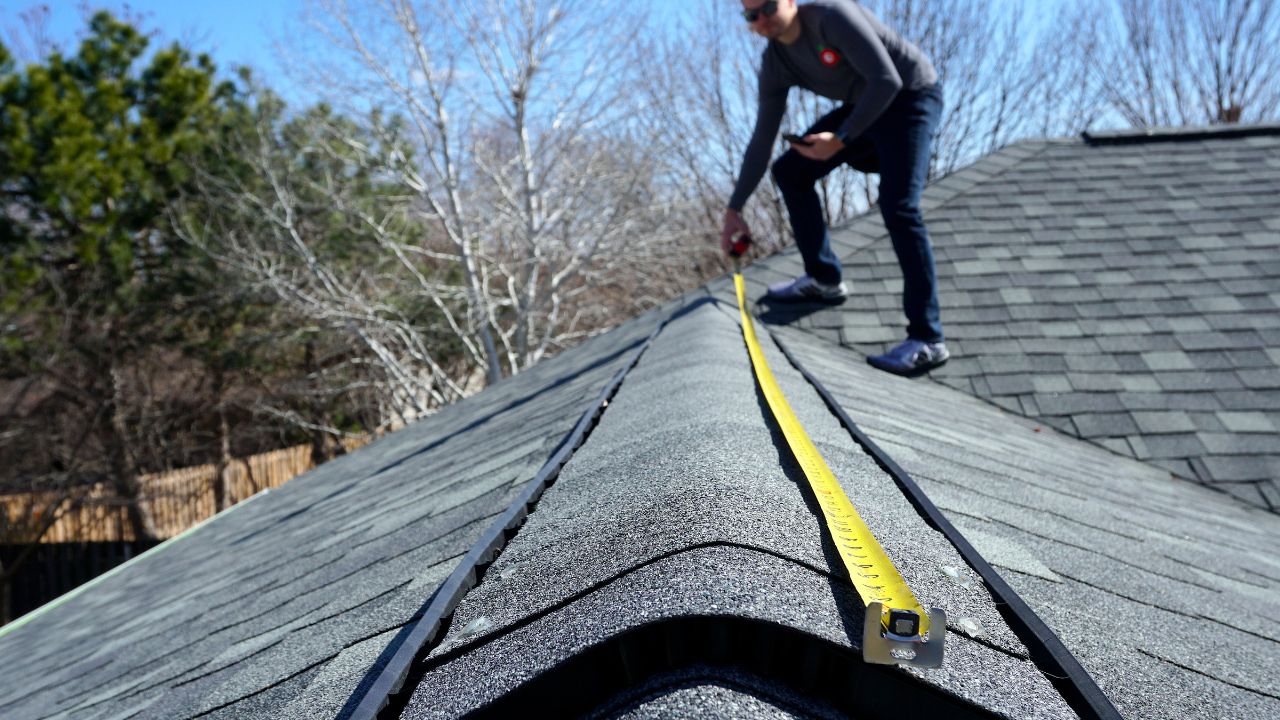
- Roof Slope Length: The distance along the roof surface from eave to ridge.
- Working Batten Gauge: The selected distance between successive tile courses.
- Ceiling brackets: Round the result up to a whole number.
This is a coverage estimate, not an exact batten setting-out calculation. Eaves and ridge details can change the final course count.
3. Estimate the Number of Columns
Divide the roof section width by the effective tile cover width and round up:
Estimated Columns=⌈Effective Cover WidthRoof Section Width⌉
Effective cover width is the installed width covered by one tile after allowing for its side overlap or interlocking arrangement. It may differ from the tile’s overall physical width.
4. Calculate the Base Tile Quantity
Multiply the estimated rows by the estimated columns:
Base Tiles=Estimated Rows×Estimated Columns
This quantity is before the additional wastage allowance.
5. Calculate the Roof Section Area
Multiply the measured slope length by the section width:
Roof Area=Roof Slope Length×Roof Section Width
When both measurements are in meters, the result is in square meters.
To display the area in square feet:
Area in Square Feet=0.09290304Area in Square Meters
This is the area of the roof section—not the combined physical surface area of all purchased tiles.
6. Add the Wastage Allowance
Apply the entered waste percentage and round the final quantity up:
Total Tiles with Wastage=⌈Base Tiles×(1+100Wastage Percentage)⌉
The calculator’s default 5% is an editable assumption, not a recommendation for every roof. Adjust the allowance for your cutting layout and expected breakage.
Example Calculation
The following values demonstrate the calculation. They are not installation specifications for a particular tile.
Given Inputs
- Roof slope length: 10 m
- Roof section width: 5 m
- Working batten gauge: 320 mm
- Effective tile cover width: 250 mm
- Wastage allowance: 5%
Step 1: Convert the Coverage Measurements
Working Batten Gauge=1000320=0.32 m
Effective Cover Width=1000250=0.25 m
Step 2: Estimate the Rows
Estimated Rows=⌈0.3210⌉=⌈31.25⌉=32
Step 3: Estimate the Columns
Estimated Columns=⌈0.255⌉=20
Step 4: Calculate the Base Tile Quantity
Base Tiles=32×20=640
Step 5: Calculate the Roof Area
Roof Area=10×5=50 m2
Roof Area=0.0929030450≈538.20 ft2
Step 6: Include Wastage
Total Tiles with Wastage=⌈640×(1+1005)⌉
Total Tiles with Wastage=⌈672⌉=672
Final Results
Result | Estimated value |
|---|
Roof section area | 50 m² / 538.20 ft² |
Rows | 32 |
Columns | 20 |
Tiles before wastage | 640 |
Entered batten gauge | 320 mm |
Total tiles including wastage | 672 |
The displayed batten gauge is the value you entered, converted to millimeters. The calculator does not independently determine a suitable gauge.
Before ordering, check the estimate against the actual roof layout. Eaves, ridges, verges, staggered courses, and accessory tiles may require adjustments beyond this rectangular coverage calculation.
Frequently Asked Questions
1. What does the Roof Tile Spacing Calculator calculate?
It estimates the number of tiles, rows and columns, total area covered, and total tiles including your selected waste allowance. It also displays a spacing value in meters based on the entered spacing; this should not be treated as an independently recommended installation gap.
2. How should I choose the spacing between roof tiles?
Follow the installation instructions for your specific tile. Roof tiling depends on effective cover width, headlap—the overlap between successive courses—and batten gauge, which is the distance between supporting battens. These are not interchangeable with a simple gap between tiles. Marley installation guidance
3. Are tile dimensions the same as effective coverage dimensions?
Not necessarily. Overlapping and interlocking sections can make the installed coverage smaller than the tile’s overall dimensions. For example, manufacturers list cover width and covering capacity separately from physical tile dimensions. Confirm how the calculator handles overlap before relying on its quantity estimate. Marley tile specifications
4. Should I use the sloping roof dimensions or the building footprint?
Use dimensions measured along the roof surface being tiled. The building’s horizontal footprint is not the same as the area of a pitched roof. Calculate separate roof faces individually where necessary.
5. Why does the calculation include a wastage percentage?
The allowance adds extra tiles for cutting losses, breakage, and unusable pieces. It does not account for overlap or correct an unsuitable spacing value. Choose the percentage according to your roof layout and supplier or installer guidance rather than assuming 5% suits every project.
6. What is the difference between “Number of Tiles Required” and “Total Tiles Including Wastage”?
The first is the calculated base quantity. The second adds the waste allowance you entered. For purchasing, check the final quantity against the installation layout and any pack-size requirements.
7. Can I use this calculator for an irregular roof?
A single length-and-width calculation represents a rectangular section. Roofs with hips, valleys, dormers, or other irregular features need separate area and layout calculations. A basic rectangular grid may not accurately represent their cuts or tile requirements.
8. Are ridge, hip, and other accessory tiles included?
Do not assume so. The listed inputs do not identify separate accessory quantities. Count ridge tiles, hip tiles, verge pieces, and other required fittings separately unless your calculator explicitly includes them.
Check out 25 Similar Calculators: